
And Why It Needs to Be in Your Books
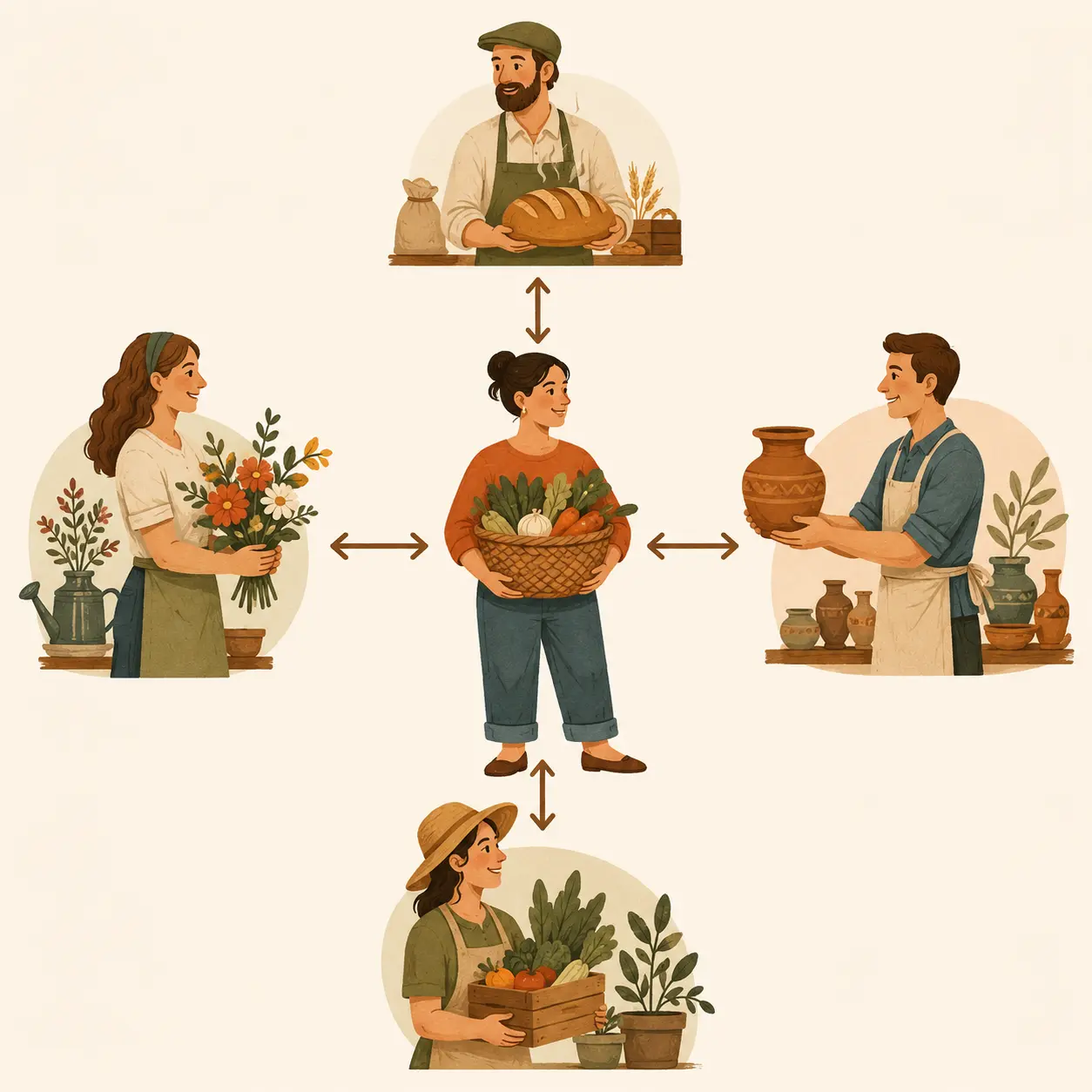
Barter sounds old-fashioned, but it’s alive and well in the world of small business. Maybe you traded logo design for headshots. Or social media coaching for a free booth at an event. No cash changed hands, but real value did.
Businesses often barter when cash is tight or when two businesses simply have something valuable to offer each other.
Most people assume that if no money changes hands, there’s nothing to record. That’s actually the part that surprises business owners the most. From a bookkeeping standpoint, barter is still a business transaction.
So what is barter, really? In plain terms, barter is the exchange of goods or services without using money. But from a bookkeeping perspective, it’s a little more complex. Barter creates both income and expense. And yes, it belongs in your books.
In fact, one of my clients tracks barter across four different companies. They issue invoices for every service exchanged and created a barter clearing account in their chart of accounts, so everyone stays in sync and can issue statements. It’s more organized than most cash-paying clients!
The Accounting Behind Barter
Barter is essentially two transactions in one:
- You earned something → that’s income
- You received something → that’s an expense
Think of it like this: if you had paid each other in cash and then used that cash to buy services from one another, it would absolutely go in your books. Barter is the same transaction, just without the bank deposit.
What if you skip it? Your income looks lower, your expenses are incomplete, and your books aren’t telling the whole story.
How It Looks in Your Books
Barter creates both accounts receivable and accounts payable, even though no money changes hands. Here’s why:
- When you provide a service, it’s like sending an invoice → Accounts Receivable
- When you receive a service, it’s like getting a bill → Accounts Payable
This helps both sides document the transaction clearly, and it creates a paper trail if questions come up later.
How to Record a Barter Transaction in QuickBooks Online
In QuickBooks Online, a simple barter transaction is often cleaner when it is recorded through the normal customer and vendor workflow.
A common method is to:
- Create an invoice for the service you provided.
- Enter the bill or expense for the service you received.
- Use a barter clearing account to record the “payment” on both sides.
- Make sure the clearing account nets to zero when the exchange is complete.
This keeps the customer side, vendor side, income, expense, and paper trail easier to follow.
A journal entry may work in some situations, but it does not always give you the same customer and vendor detail. For recurring barter or barter between related businesses, a clearing account can make the activity much easier to track.
Some clients also choose to document barter agreements in their engagement letters or service agreements, specifying what was exchanged and the value of each side. This creates clarity and ensures both parties understand how it will be recorded. I recommend putting this in writing.
A Final Thought
Barter can be a great way for businesses to work together, especially when cash is limited or both sides have something valuable to offer.
Just remember that even though no money changes hands, value does. Recording both sides of the exchange helps keep your books complete, your financial reports accurate, and your business decisions based on the full picture.

About the Author
Hi, I’m Julie, owner of Lawley Bookkeeping & Accounting, based in Reno, Nevada. I help business owners clean up, catch up, and feel more confident in their books.
📬 julie@lawleybookkeeping.com
📞 775-440-1233
🌐 www.lawleybookkeeping.com